





































































Gemini Lands on Mac: Google Finally Drops Its Native Desktop Powerhouse
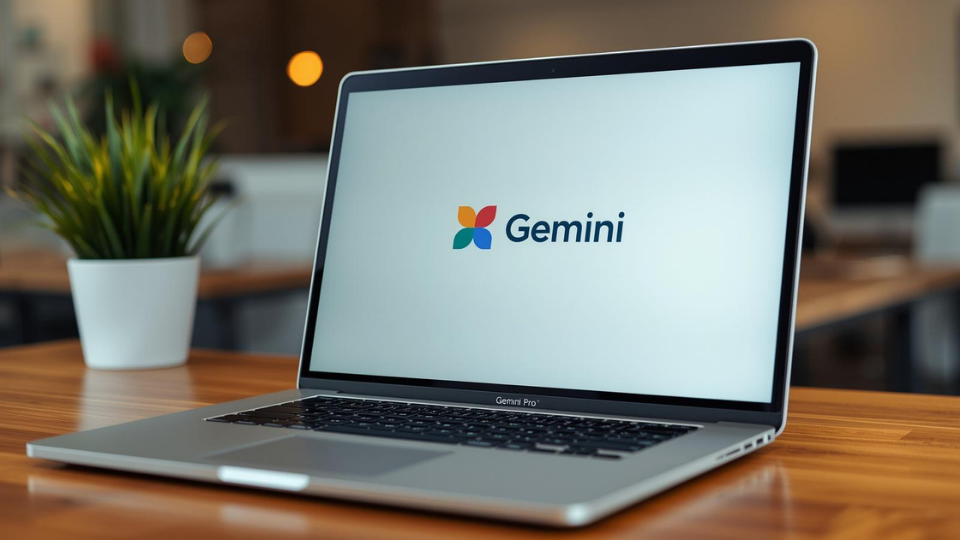
Google just made a massive move for Mac users who are tired of living in a browser tab. On Wednesday, the company officially launched a native Gemini app for macOS. This puts Google in direct competition with OpenAI and Anthropic, who have had their own Mac apps out for a while now. For people who live on their laptops, this is a major upgrade. You no longer have to hunt through dozens of open tabs to find your AI assistant. It is now part of the actual bones of your computer.
The coolest part of the new app is how easy it is to wake up. You can bring Gemini to the front from anywhere on your Mac by hitting a quick shortcut: Option + Space. This works just like Spotlight or Raycast. If you are in the middle of drafting a long market report and need to double-check a date, you just hit the keys, ask Gemini, and get right back to your work. It is designed to be a helper that lives alongside your workflow rather than something that pulls you away from it. Whether you are building a budget in a spreadsheet and need a tricky formula or just trying to summarize a long email thread, the help is always a split second away.
Screen Awareness and Local Files
Google also built screen-sharing features directly into the app. This allows you to talk to Gemini about whatever you are looking at in real-time. If you have a complex chart open in another window, you can ask Gemini to summarize the three biggest takeaways. It can see the data and give you a breakdown instantly. The app also works with your local files. You can drag and drop a document from your desktop right into the chat to get a summary or ask specific questions about the content. This level of integration makes the AI feel like a true extension of the operating system.
But it is not just about text and data. The Mac app fully supports Google’s newest creative tools. You can generate high-quality images using the Nano Banana model or create short videos with Veo without leaving the desktop environment. This makes it a powerful workstation for creative pros who need to mock up ideas quickly. Instead of jumping between a web browser and a design app, you can generate your assets and drag them straight into your project.
Availability and Getting Started
The native macOS app is rolling out globally starting today. If you are running macOS version 15 or higher, you can head over to the official download page to grab it. It is available to all Gemini users, so you don’t need a special paid tier to try it out. As the AI wars move from the web to our desktops, Google is betting that ease of use and deep integration will win over Mac fans. By making Gemini accessible with a simple keyboard shortcut, they are making a strong case for it to become your new primary digital assistant.
The arrival of a native app shows that Google is serious about the desktop experience. While the web version is great, a native app can do things a browser simply can’t. It is faster, it can see what you are doing across different apps, and it feels much more professional. For the millions of people who use a Mac for their daily grind, Gemini just became a lot more useful.