Figma Blurs the Line Between Code and Design With Massive Smart Update
Figma just rolled out a major update that bridges the frustrating gap between building interfaces and writing the actual code that runs them. During a Wednesday presentation, the design platform showed off brand new features, including dedicated code layers, built-in support for motion effects, and the ability to build custom software extensions using artificial intelligence.
The company spent a long time trying to bring deep programming features right into its canvas. Last year, they introduced Figma Make, a tool that lets people create layout prototypes just by typing text descriptions. They also added integrations with popular coding assistants like Claude Code and Codex to make the handoff between designers and software engineers much smoother.
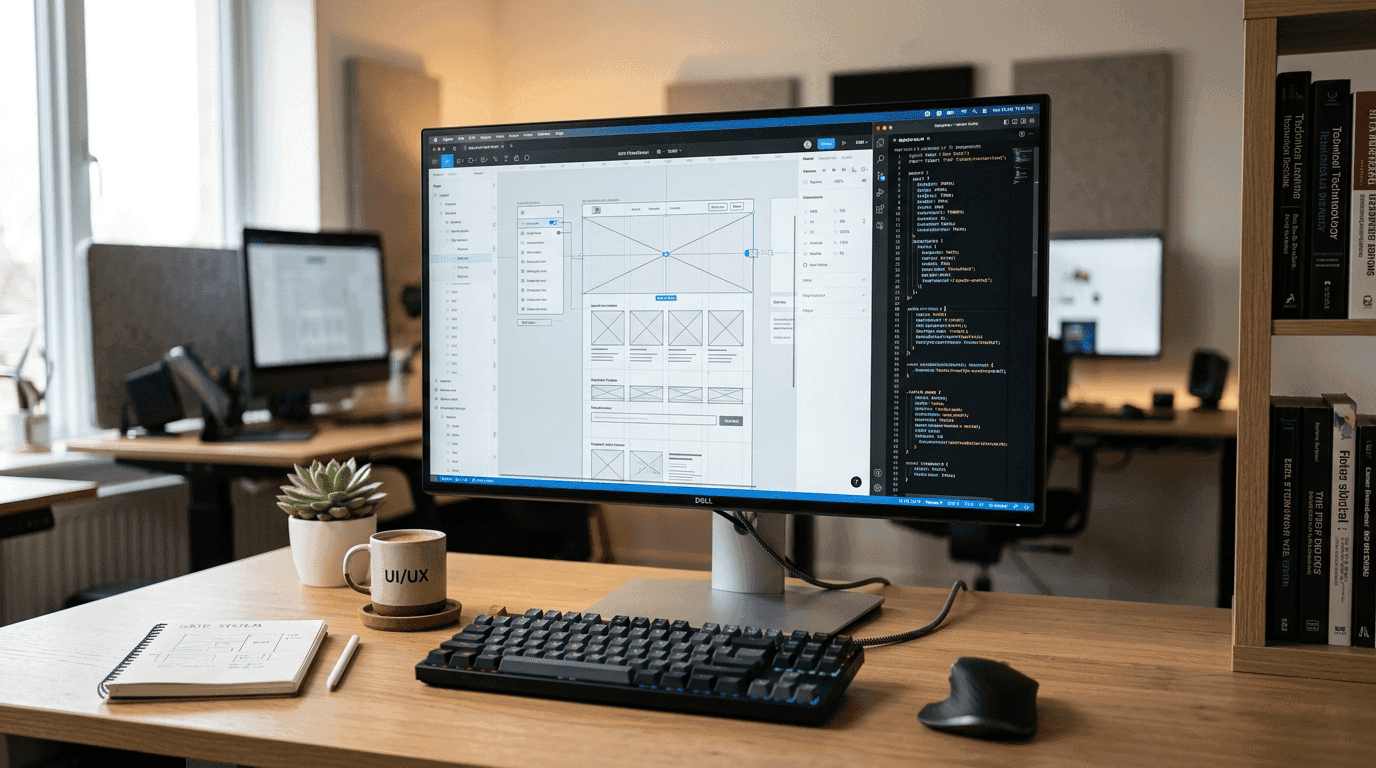
Now, they are taking things a step further. By inserting dedicated code layers right onto the shared canvas, teams can pull entire repositories and convert complex programming patterns into design layers for quick testing. As you can see in the interface layouts shown in image_3cdeaf.jpg, this system visualizes the connection between digital assets and code.
Yuhki Yamashita, the chief product officer at Figma, explained that these new layers help designers, product managers, and software engineers focus on testing ideas quickly. They do not have to worry about writing perfect, production-ready code in the early stages of a project. He noted during a call that a shared workspace becomes incredibly powerful when people do not have to fret over code quality. It lets a team map out options and explore wild new directions together. The company hopes this shift changes how developers and product managers interact inside the app, rather than leaving the canvas entirely to traditional designers.
The software now handles complex animations, moving transitions, and 3D shapes natively. In the past, designers had to build motion graphics in separate external applications and then manually translate that movement into numbers that software code could read. Now, teams can build these animations directly inside Figma, saving days of back-and-forth edits.
You can also use artificial intelligence to generate these visual assets on the fly. The platform even added automated help for complex shader effects and image fills. Last year, Figma purchased a node-based software tool named Waavy, which helps creators compare different AI outputs side by side. They are now working to blend these two platforms together. In an update dropping later this year, users can build automated Waavy tasks directly inside their main Figma projects.
Finally, the company is training its built-in AI assistant to handle more advanced tasks. You can now write simple text prompts to save repeatable recipes that automated agents can run whenever you need them. To give the assistant more context, you can link external work tools like Notion, Granole, Excel, and GitHub, or simply attach reference files so the bot understands exactly what you want it to build. The system even helps users create custom software plugins, like layout tools and vector paths, using basic text descriptions.